Overview
What Is DIY Sangha Employee Directory?
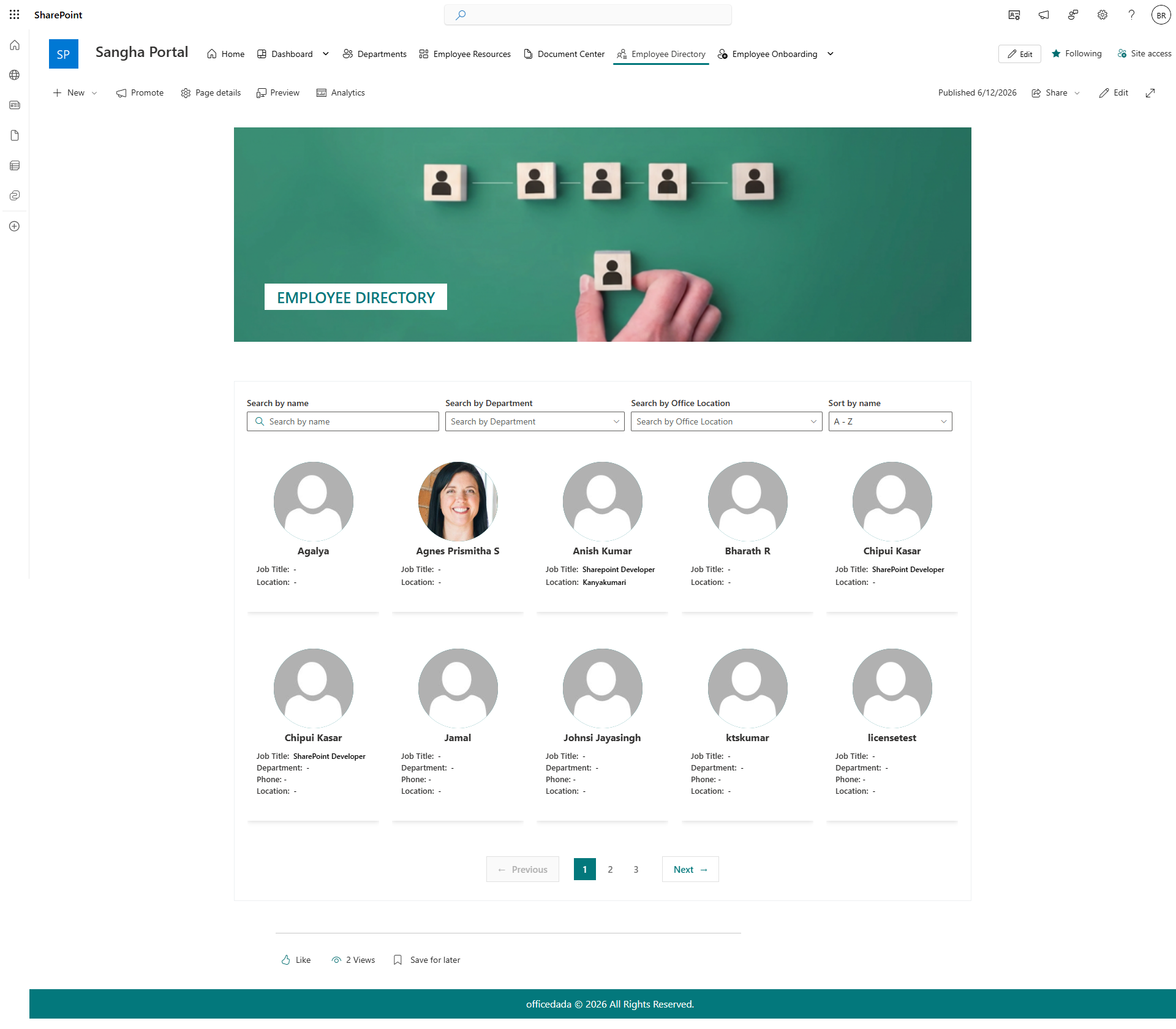
DIY Sangha Employee Directory is a ready-built SharePoint page solution that gives your organisation a searchable, up-to-date staff directory pulled automatically from Microsoft 365 user profiles. No manual data entry is needed - the directory reads your organisation's user data and presents it as a clean, filterable grid. A branded hero banner sits at the top of the page to give the directory its own identity.
Who Is This For?
| Audience | How They Use It |
|---|---|
| Site Owners / Admins | Deploy the page, configure the banner, exclude specific accounts, and manage pagination |
| HR / People Team | Verify directory accuracy by checking profiles are complete in Microsoft 365 |
| End Users | Search for colleagues by name or department, view contact details, and find the right person to contact |
What's Included?
| # | Web Part | Description |
|---|---|---|
| 1 | Employee Welcome Banner | Hero banner with a background image and page title |
| 2 | Employee Directory | Searchable staff directory that reads all user profiles from Microsoft 365 |
Key Highlights
- Automatic Data - The directory is populated directly from Microsoft 365 user profiles. No SharePoint list or manual updates required.
- Search Built In - Employees can search by name, job title, or department without any additional configuration.
- Exclude Accounts - Admins can hide service accounts, shared mailboxes, or any specific user from the directory view.
- Optional Pagination - Enable page-by-page navigation for large organisations to keep the view manageable.
- Branded Banner - The welcome banner can be personalised with a custom background image and page title.
- No Coding Required - All settings are managed through the web part settings panel.
Microsoft Graph Permission Required
| Permission | Purpose |
|---|---|
| User.Read.All | Reads all user profiles from Microsoft 365 to populate the directory |
This permission must be approved by a Global Admin or SharePoint Admin in the SharePoint Admin Centre after the package is deployed.
Supported Environments
- SharePoint Online (Microsoft 365)
Screenshots
Version
Current Version: 1.0.1.0 Developed by: SharePoint Designs — www.sharepointdesigns.com