Configuration
Each web part is configured through its settings panel. To open it, click the web part while editing the page and click the pencil (edit) icon.
1. Employee Welcome Banner
1. Employee Welcome Banner
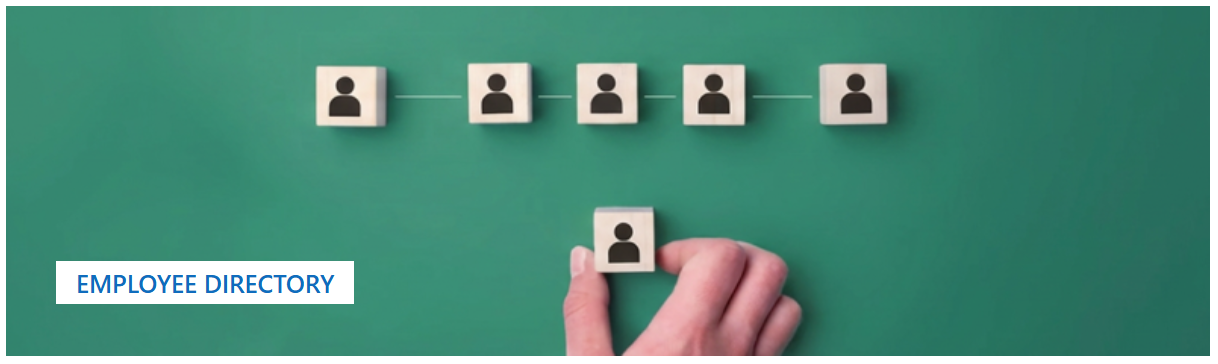
The Employee Welcome Banner is the branded hero at the top of the directory page. It displays a full-width background image with an overlay title that names the page for visitors.
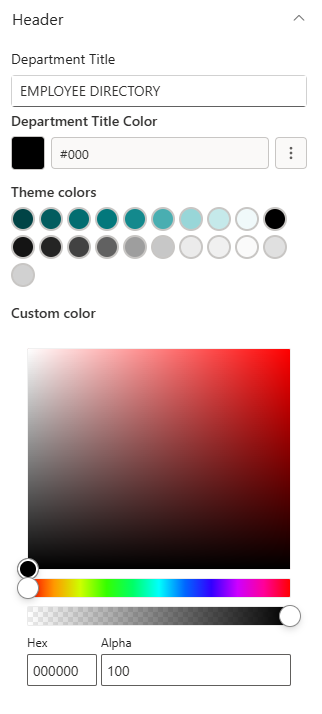
📌 Header
| Name | Purpose | Control Type |
|---|---|---|
| Department Title | The main heading shown over the banner image (e.g., "Employee Directory") | Text field |
| Department Title Color | Picks a colour for the title text from the site theme palette | Color picker |
📸 View Header Screenshots
📸 Background Image
| Name | Purpose | Control Type |
|---|---|---|
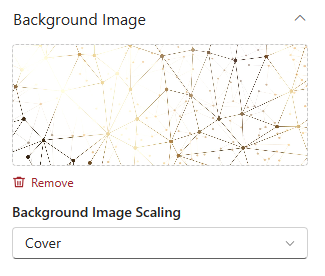
| Change Background | Select or upload the banner background image | Image picker |
| Background Image Scaling | How the background image fills the banner: Cover, Contain, Auto, Stretch, or Centre | Dropdown |
📸 View Background Image Screenshots
🎨 Appearance
| Name | Purpose | Control Type |
|---|---|---|
| Title Position | Moves the title text up or down on the banner | Slider (1–87%) |
| Banner Height | Controls the overall height of the banner | Slider (250–550 px) |
📸 View Appearance Screenshots

2. Employee Directory
2. Employee Directory
Employee Directory automatically reads all active user profiles from Microsoft 365 and presents them as a searchable, filterable staff list. Employees can search by name, department, or job title without any content management by the admin.
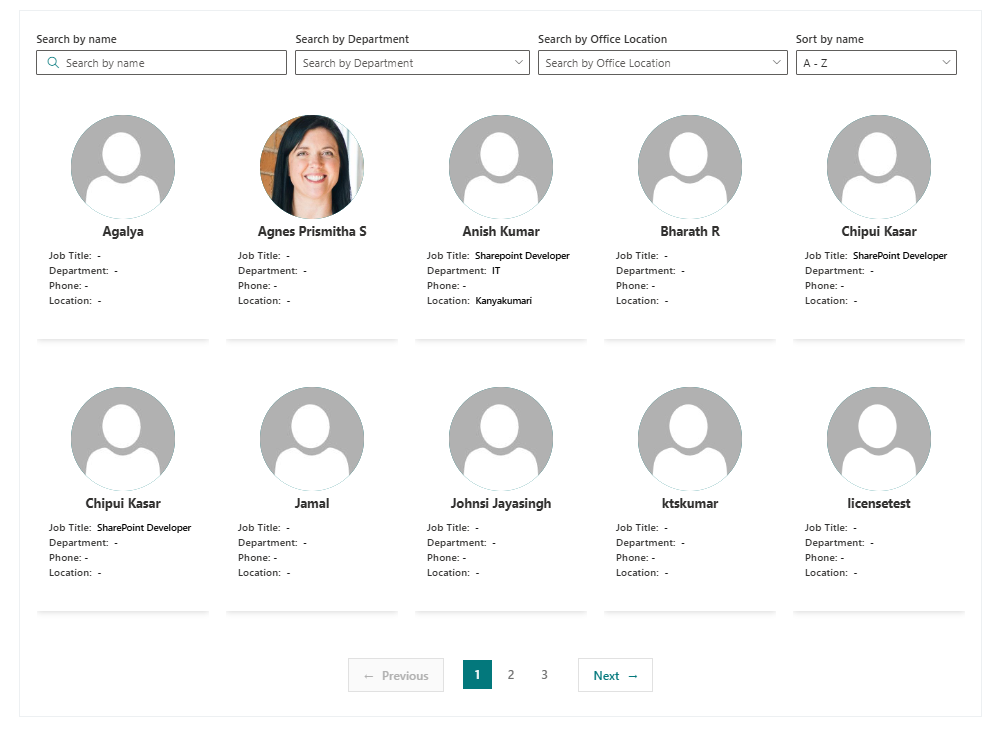
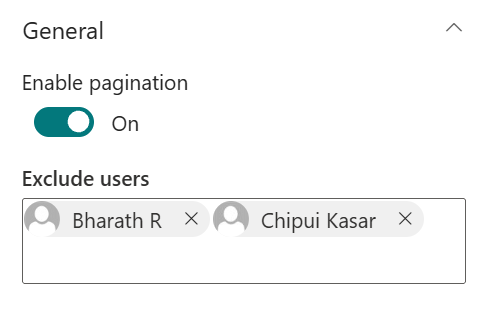
⚙️ General
| Name | Purpose | Control Type |
|---|---|---|
| Enable Pagination | Splits the directory into pages for easier browsing in large organisations | Toggle |
| Exclude Users | Pick specific users (e.g., service accounts, shared mailboxes) to hide from the directory | People picker |
Note: The directory content is populated automatically from Microsoft 365. There are no manual content settings - only pagination and exclusion controls.
📸 View General Screenshots